
Shape your chatbot with custom prompts
David Garcia ·
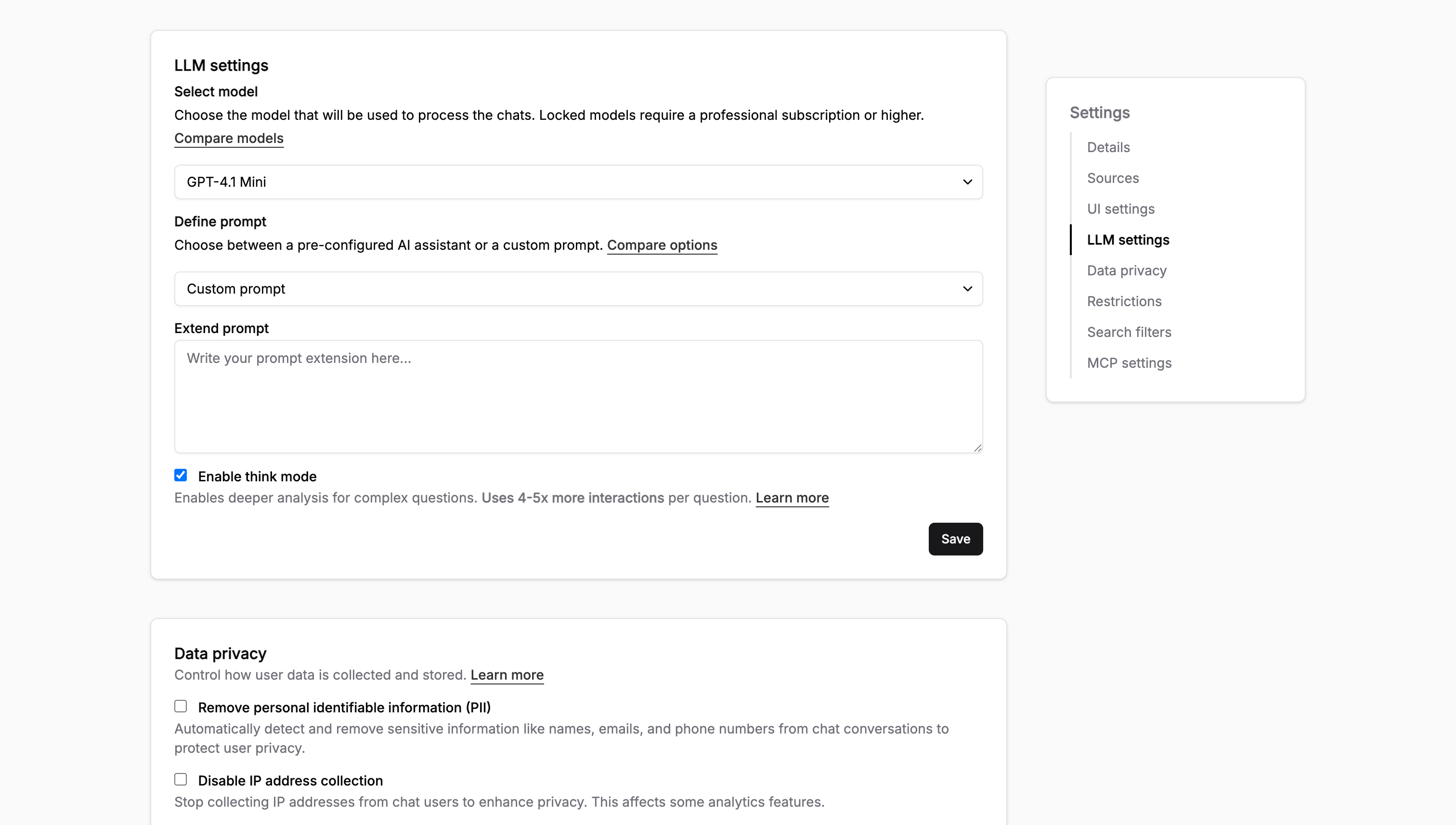
Two teams with the same docs often want the chatbot to behave differently, so you can now write a custom prompt that shapes how yours answers.
A few ways this plays out:
- Set priorities: tell it to point users to the migration guide first when they ask about upgrading
- Flag limitations: tell it to say a feature is beta, or that self-hosting isn't supported, instead of guessing
- Control tone and patterns: keep answers short and code-first, or always end with a link to the relevant page
You write it in Settings > Chatbot > Custom prompt, and it applies to every answer from the next question on. The custom prompt docs have examples you can adapt.
One tip: write rules around what users ask, not what you want the bot to be. "When someone asks about pricing, link to the plans page" fires reliably; "be helpful" does nothing.
Want a second pair of eyes on your prompt? Hit reply and we'll review it.