
Export your conversations in bulk, no API needed
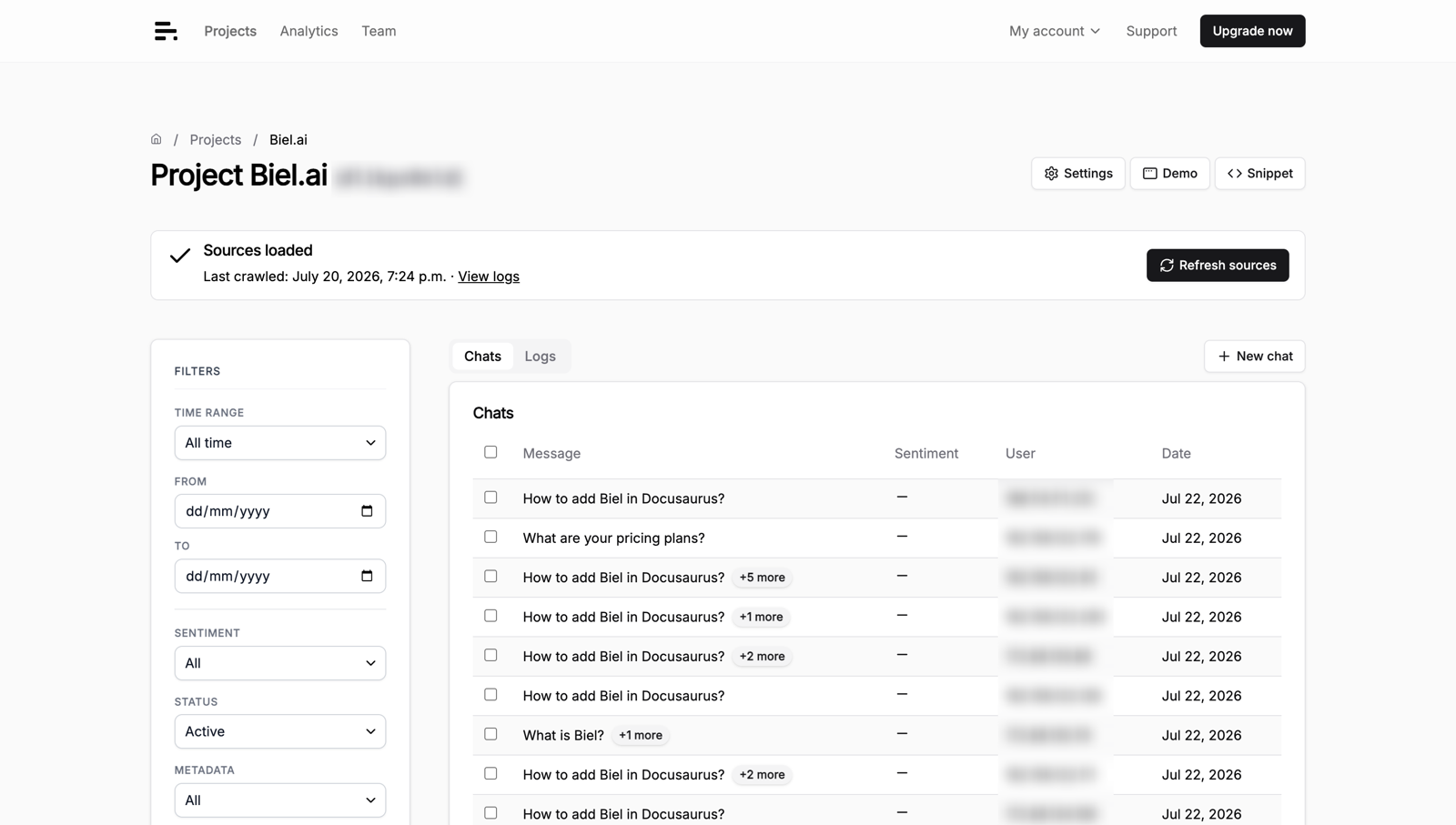
When someone asks for an audit trail or you want to analyze months of questions offline, copying conversations one at a time isn't an option. You can now export them in bulk from the dashboard.
Bulk export pulls your chatbot conversations into a single file you can hand off, archive, or load into your own tooling.
A few ways this plays out:
- Compliance asks for an audit trail of every conversation in a date range, and you export it instead of building a query
- You want to spot the questions your docs don't answer well, so you pull a month of conversations into a spreadsheet
- Legal or security needs records retained outside the dashboard, and you keep a periodic export on file
You run it from the project's conversations view: select the conversations and use the bulk action to export. The bulk actions docs cover the steps and the file format.
One tip: filter by date range before you export. A full-history export gets large fast, and most analysis and audit requests are about a specific window anyway, so scoping the export keeps the file small and the analysis focused.
Need a specific export format for your compliance process? Hit reply and we'll help.