
Ask Biel.ai from Slack, Teams, and Discord
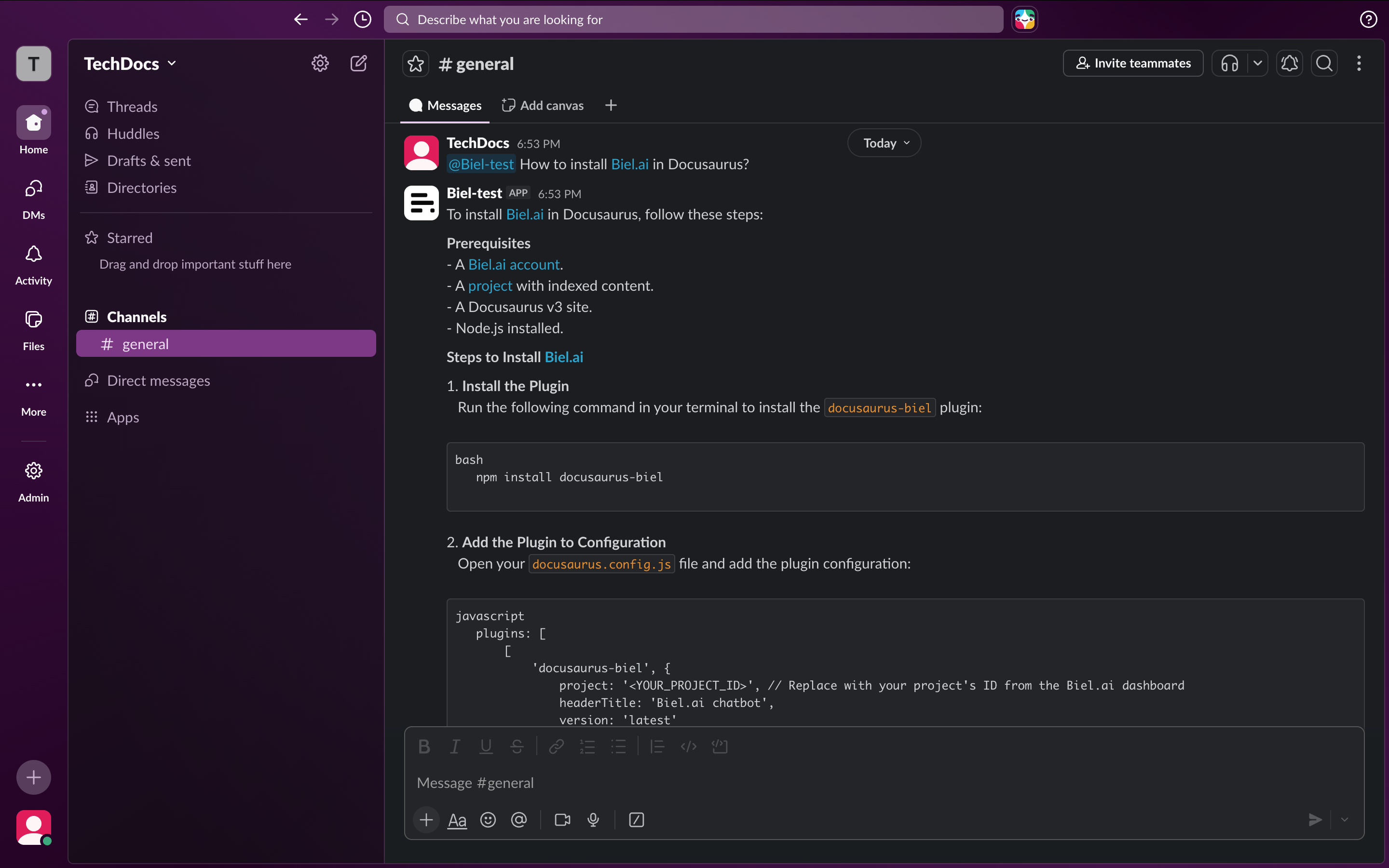
Your users and teammates ask questions where they already work, and that often isn't your docs site. Biel.ai now answers in Slack, Microsoft Teams, and Discord: same docs, same context, three new places to ask.
You @mention the bot or send it a direct message, and it answers from the same indexed docs your website chatbot uses.
A few ways this plays out:
- A teammate asks a setup question in a Slack channel and gets an answer in-thread instead of switching tabs to the docs
- A customer DMs the bot in your Discord community and gets a cited answer without waiting for a human
- A support channel in Teams keeps its own context, so follow-up questions build on the right conversation
Per-channel context means each channel tracks its own thread, and /clear resets the conversation when you want a clean start.
Setup lives under Settings > Integrations, where you authorize the bot and pick which channels it listens in. The integrations docs walk through it platform by platform.
One tip: limit the bot to a few channels at first rather than every channel in the workspace. Starting narrow keeps the answers relevant to where people actually ask product questions, and you can widen it once you see where it actually gets used.
Want help wiring up your first workspace? Hit reply and we'll set you up.