
Upload PDF, Word, and Excel files as sources
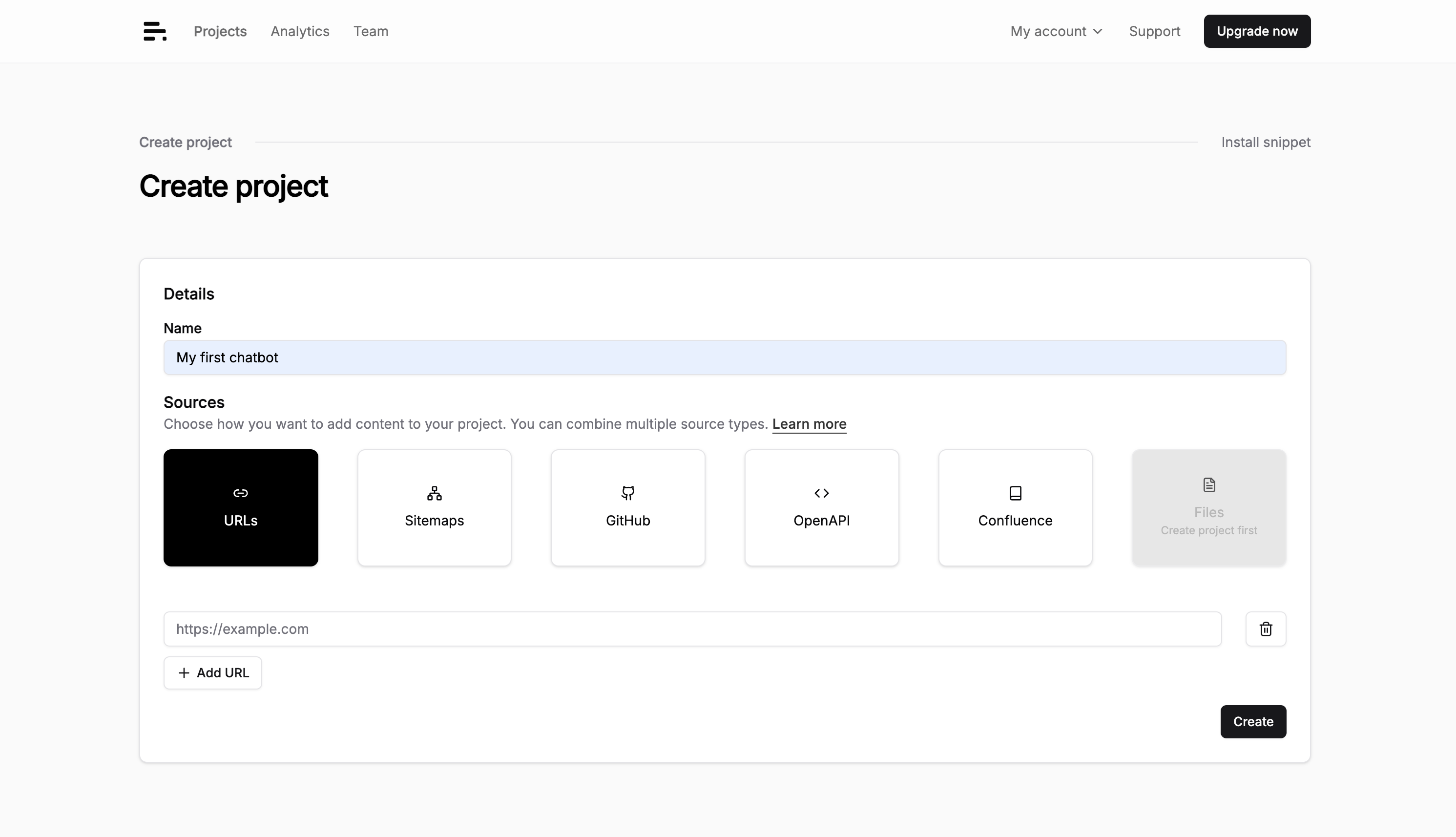
Plenty of useful documentation never makes it to a website. It lives in a PDF handbook, a Word spec, or a spreadsheet. You can now upload those files directly as documentation sources, and the chatbot answers from them.
A few ways this plays out:
- Drop in a product PDF and the chatbot answers questions from it without you publishing the file anywhere
- Add a Word spec or a Markdown file and it sits next to your crawled sites as one more source
- Load an Excel sheet of details and the chatbot pulls the right row into an answer
Supported formats are PDF, Word, Excel, and Markdown. You add them in Settings > Sources, the same place you connect a website or a sitemap. The sources docs walk through it.
One tip: split a long handbook into a few focused files rather than one giant PDF. Smaller, single-topic files give the chatbot cleaner chunks to retrieve, so answers cite the right section instead of the whole document.
Have a file you want the chatbot to answer from? Hit reply and we'll get you set up.