
Your chatbot can now book calls and open tickets
A good answer often ends with "so what do I do now?" This month, the chatbot can hand users the next step directly.
Actions are clickable buttons that show up in the chatbot's answer when they're relevant to what the user asked.
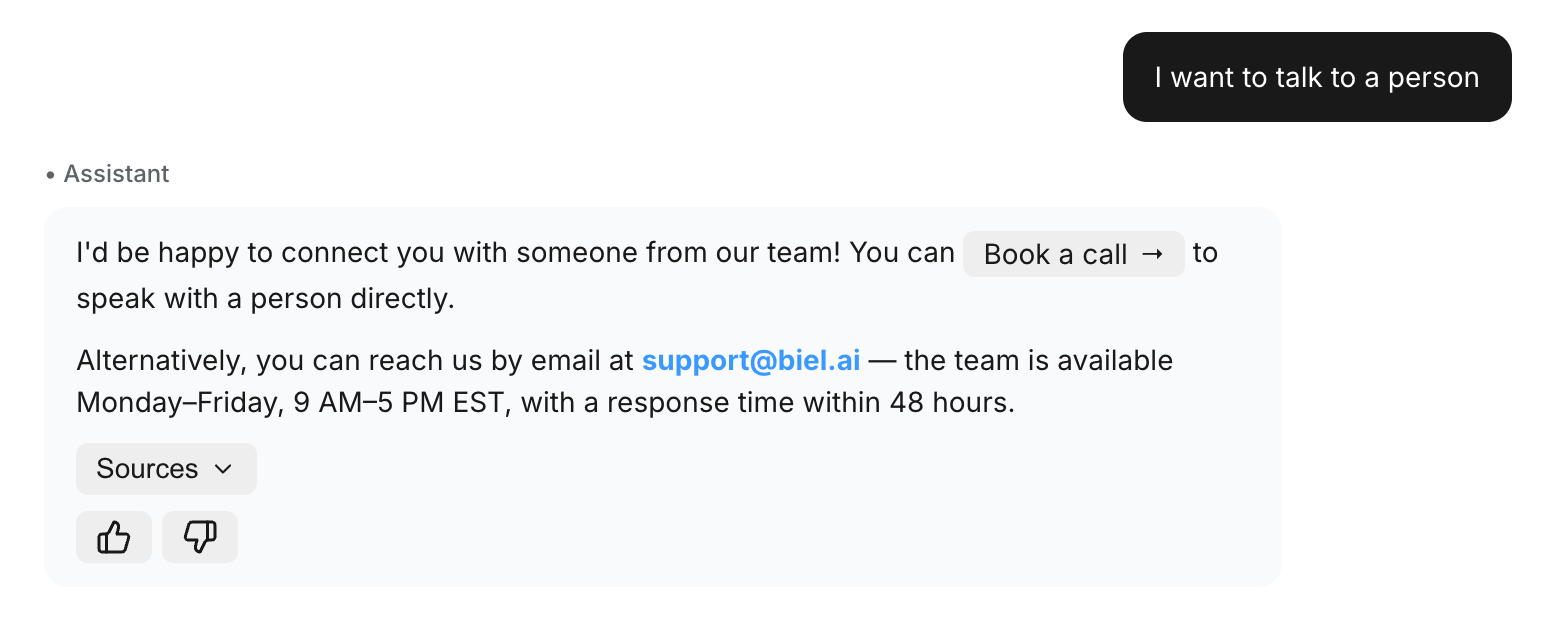
A few ways this plays out:
- Someone asks about pricing and gets a Book a call button with your Calendly link, right in the answer
- Someone hits a bug the docs don't cover and gets an Open a ticket button instead of a dead end
- An onboarding question signals buying intent and the answer ends with Start a trial
A button can point to any URL, so it plugs into whatever you already use: Calendly, Stripe payment links, your support portal, a signup form.
Setting one up is four fields and takes about two minutes in Settings > Chatbot > Actions. The actions docs have the full walkthrough.
One tip: write the trigger around what the user is asking, not the button. For the "Book a call" example above, "when the user asks about pricing, plans, or enterprise features" works. "When the user wants to book a call" rarely fires, because nobody types that.
Need help setting up your first action? Hit reply and we'll get you set up.