
Choose the AI model behind your chatbot
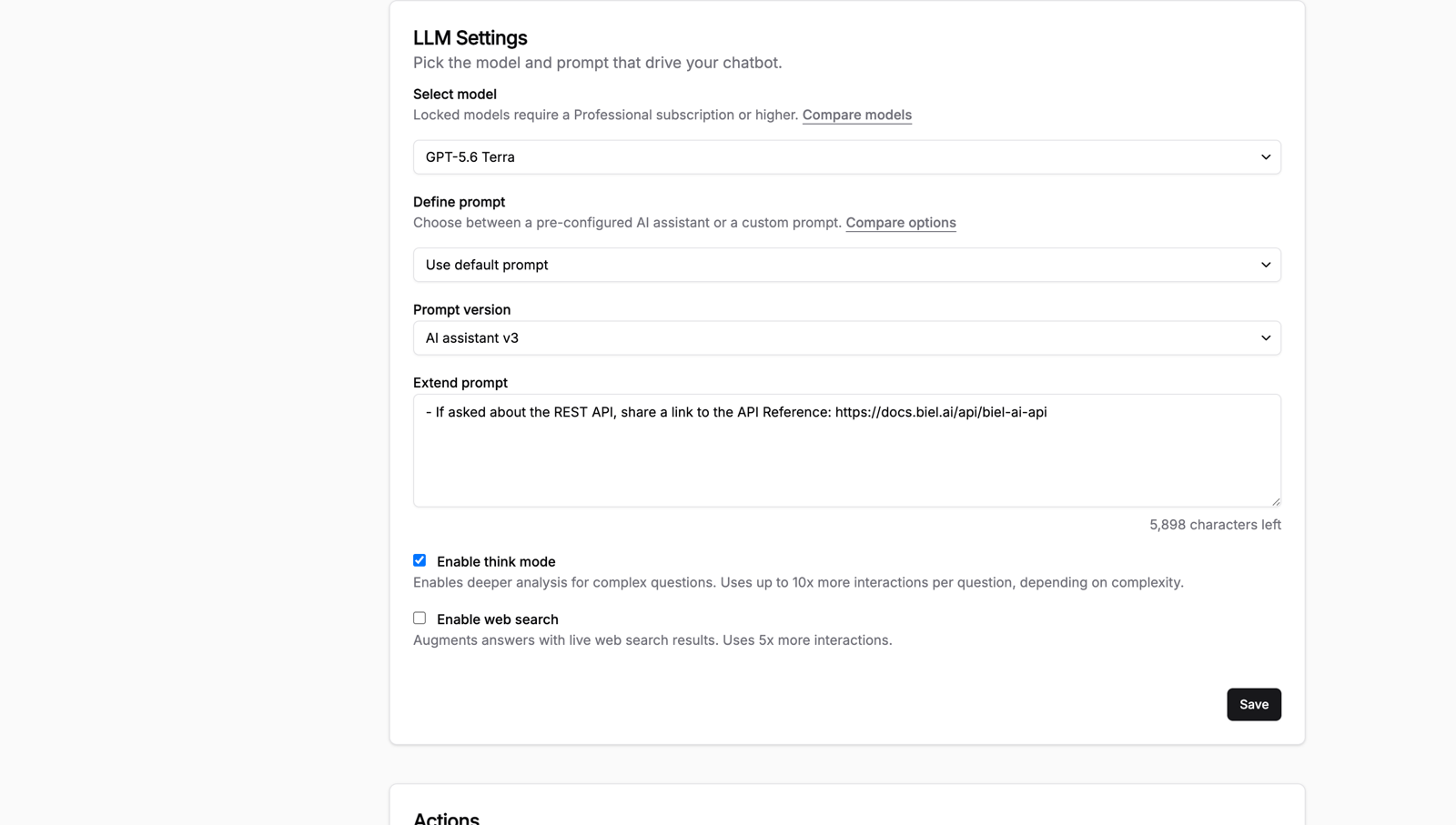
The right model depends on what you ask of it, so you can now choose which one powers your chatbot from across the GPT and Claude families.
A few ways this plays out:
- A high-traffic docs site picks a fast model so live answers come back in a second or two
- A developer-tools team picks an advanced model that handles dense technical questions and long context
- You start on a fast model for cost, then move to an advanced one only on the pages where depth matters
Switching is a dropdown in Settings > Chatbot > Model, and it takes effect on the next question. The models docs list every option with its strengths and trade-offs.
One tip: test the same five real questions against two models side by side before committing. Speed and answer quality both shift between families, and the only honest comparison is your own docs, not a benchmark.
Not sure which model fits your docs? Hit reply and we'll help you pick.