
Shape your chatbot with custom prompts
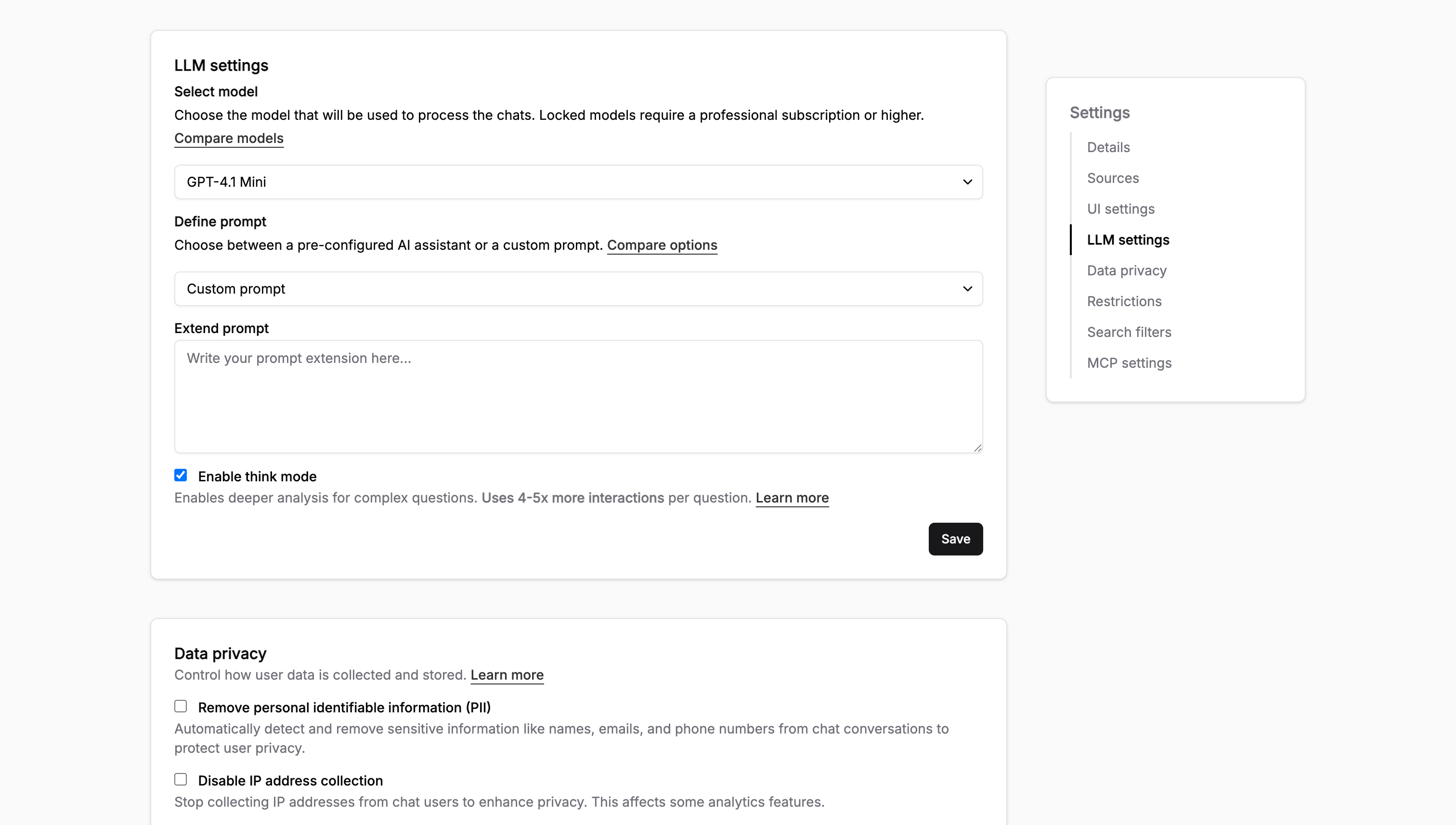
Two teams with the same docs often want the chatbot to behave differently, so you can now write a custom prompt that shapes how yours answers.
A few ways this plays out:
- Set priorities: tell it to point users to the migration guide first when they ask about upgrading
- Flag limitations: tell it to say a feature is beta, or that self-hosting isn't supported, instead of guessing
- Control tone and patterns: keep answers short and code-first, or always end with a link to the relevant page
You write it in Settings > Chatbot > Custom prompt, and it applies to every answer from the next question on. The custom prompt docs have examples you can adapt.
One tip: write rules around what users ask, not what you want the bot to be. "When someone asks about pricing, link to the plans page" fires reliably. "Be helpful" does nothing.
Want a second pair of eyes on your prompt? Hit reply and we'll review it.