
Query your docs from VS Code, Cursor, and Claude Desktop
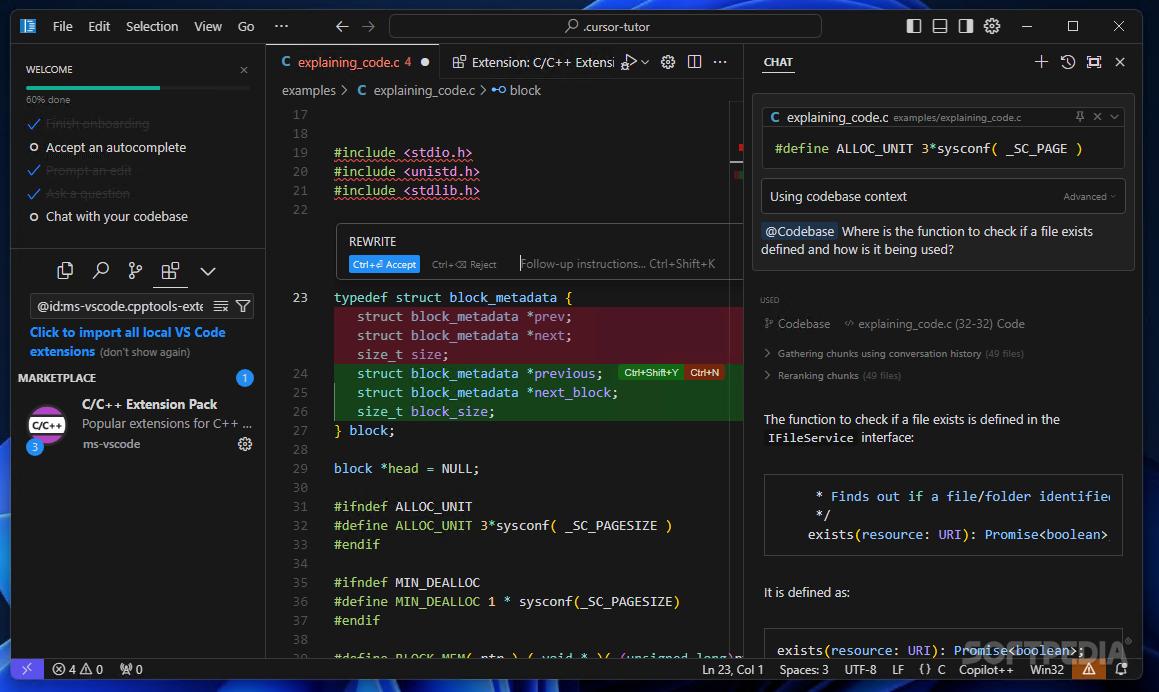
Developers live in their editor, so the Biel.ai MCP server brings your docs to them instead of sending them to a browser tab.
A few ways this plays out:
- A developer in VS Code asks how your auth flow works and gets an answer cited from your docs, inline
- Someone in Cursor pulls the right config snippet mid-task, without breaking focus to search
- A Claude Desktop user grounds the model in your documentation so its answers match your product, not its training data
MCP (Model Context Protocol) is the open standard that lets these tools read external sources, and Biel.ai exposes your docs as one. Turning it on is one click in Project Settings > MCP Server. The MCP server docs cover every supported client.
One tip: walk through the step-by-step guide to connecting your docs to Claude Code with the MCP server the first time. The connect flow is the same across editors, so once you've done it once the rest take seconds.
Stuck connecting your editor? Hit reply and we'll get you set up.