
Train a Custom GPT on your docs with Biel.ai
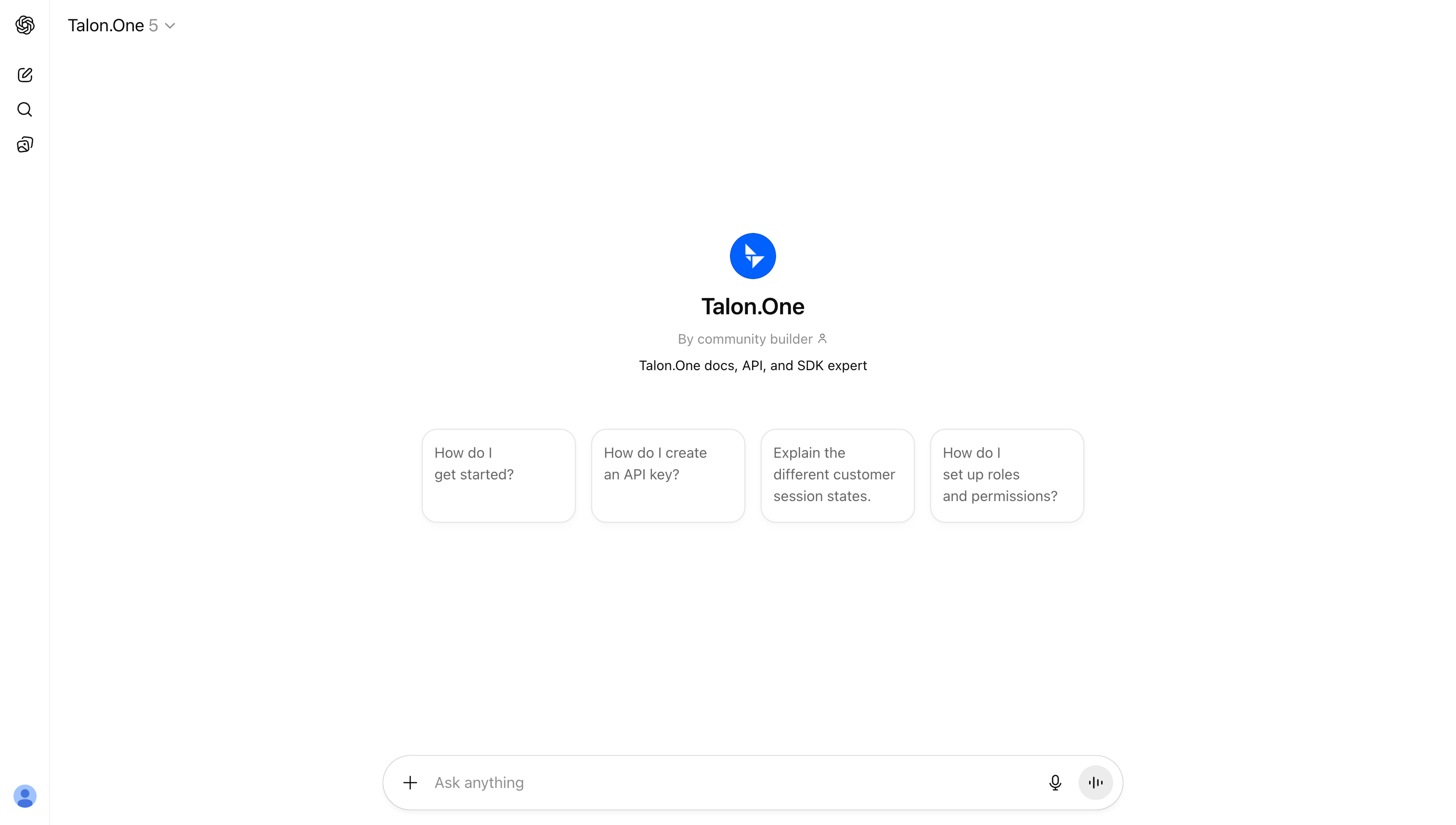
You can now point a ChatGPT Custom GPT at your Biel.ai project and have it answer from your live documentation. Instead of uploading a folder of files that go stale, the Custom GPT calls your knowledge base over the API on every question, so answers reflect the docs you have right now and come back with source links.
It works through ChatGPT's Actions feature: ChatGPT sends each question to your project, Biel.ai searches your indexed docs, and the answer comes back grounded in your content rather than the model's training data. If a topic is not in your docs, the Custom GPT is instructed to say it cannot find enough evidence. Generative output can still contain errors, so verify important answers against the cited sources.
You'll need a ChatGPT Plus, Team, or Enterprise account, a Biel.ai Business or Enterprise plan, and an API key with the chat_create permission.
Setup takes about 20 minutes: create the key, configure the GPT, import the Biel.ai OpenAPI schema as an action, and publish.
The Custom GPT guide in the docs walks through every step with screenshots, including the exact schema and authentication format.
One thing worth saying plainly: a Custom GPT is only as good as the docs behind it. This setup makes your indexed documentation the source of truth, so the better your docs cover a topic, the better the answers.
Want to try it on your own docs? Follow the docs guide, or hit reply and we'll help you set it up.