




For WordPress sites
Ask AI for your WordPress site
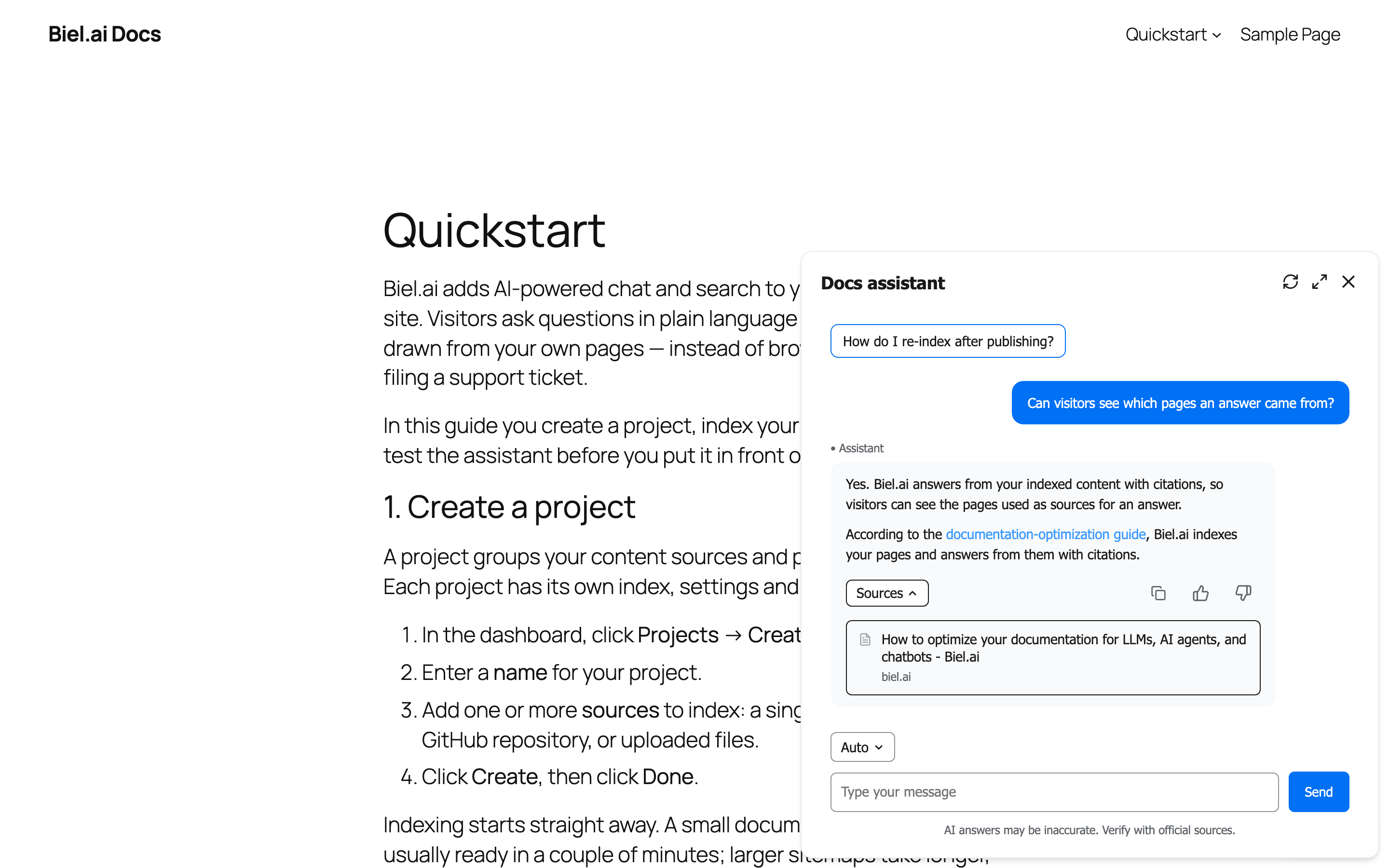
Add an Ask AI chatbot or AI search widget to your WordPress site. Readers ask questions in plain language and get source-cited answers from your posts, pages, and custom post types.
14-day freeSelf-serveLive in 15 min
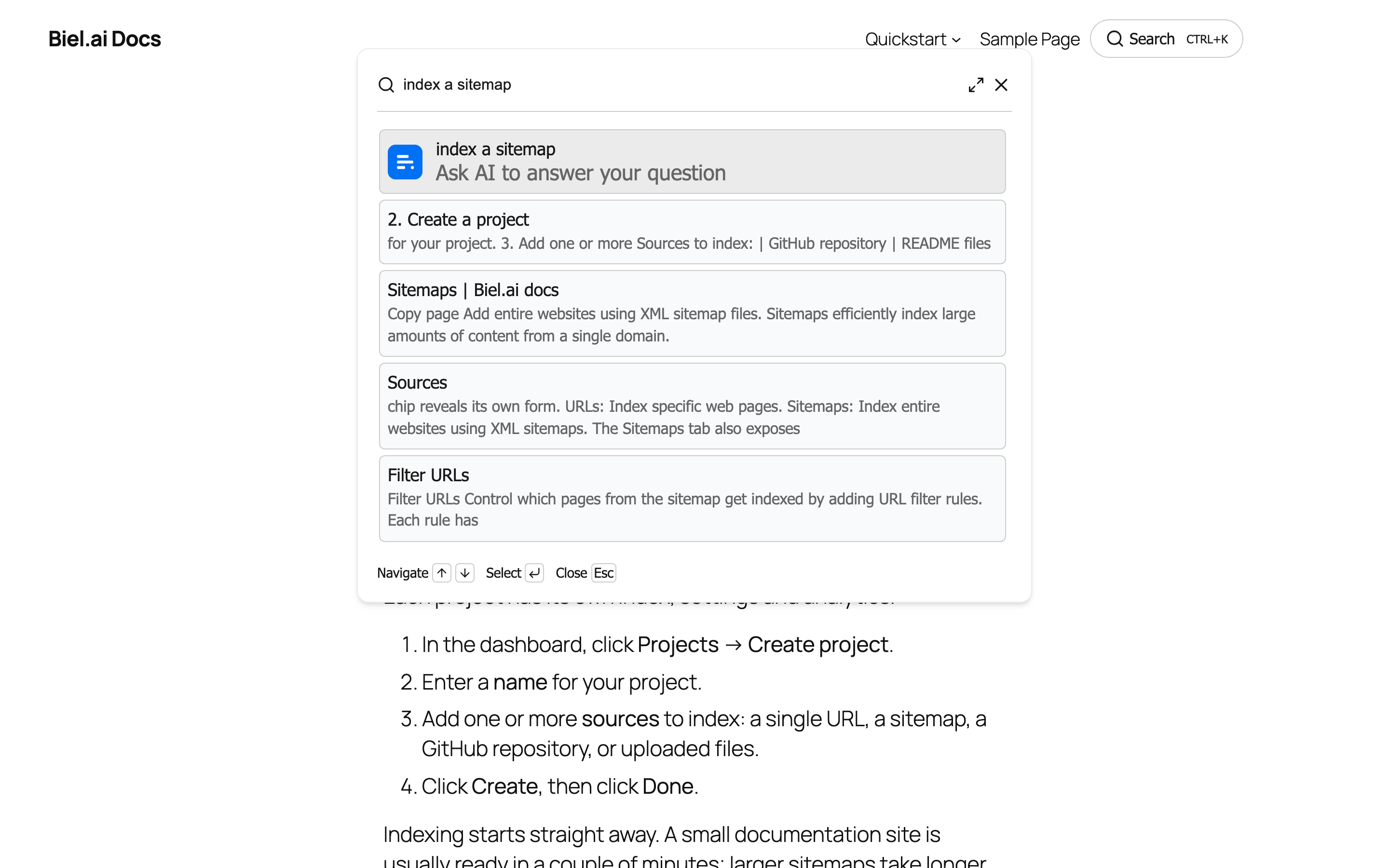
Biel.ai chatbot
Powered by biel.ai
Assistant
Hi! how can I help you?
Suggested questions
enable dark mode
Assistant
To enable dark mode for Biel.ai on your website, follow these steps:
- Modify your website’s main HTML file.
- Add the attribute
data-theme="dark"to the<html>tag.
html
<html data-theme="dark">
<!-- Your existing HTML content -->
</html>This change activates the dark mode styling for Biel.ai…
AI-generated answers may contain errors. Verify official sources before use.
Used by teams that take their documentation seriously
Install
Three ways to ship Biel on WordPress
A floating Ask AI chatbot via header/footer scripts, an AI search field in your navbar or sidebar, or a hosted MCP endpoint Claude and Cursor can query directly.
Full installation guideDrop in via WPCode (or any header/footer plugin)
Most WordPress sites already have a header/footer scripts plugin (WPCode, Insert Headers and Footers, Code Snippets). Paste the Biel CDN tags into the header section and the chatbot tag into the footer section. No theme edits, no PHP.
- →Floating Ask AI button on every page
- →Works with WPCode, Insert Headers and Footers, Code Snippets
- →No theme or PHP edits required
- →Survives theme switches
WPCode → Headers & Footers
<!-- 1. Install a header/footer plugin
(WPCode, Insert Headers and Footers, Code Snippets) -->
<!-- 2. Paste in the Header section: -->
<link rel="stylesheet"
href="https://cdn.jsdelivr.net/npm/biel-search/dist/biel-search/biel-search.css">
<script type="module"
src="https://cdn.jsdelivr.net/npm/biel-search/dist/biel-search/biel-search.esm.js">
</script>
<!-- 3. Paste in the Footer section: -->
<biel-button
project="<YOUR_PROJECT_ID>"
header-title="Documentation AI"
button-position="bottom-right"
modal-position="bottom-right"
button-style="dark">
Ask AI
</biel-button>
<!-- 4. Save. The widget appears site-wide. -->Biel.ai vs built-in WordPress search
WordPress's built-in search matches keywords against your post titles and content. It is fast, free, and ships with every theme. Biel is built for natural-language questions across posts, custom post types, and multilingual installs.
| Dimension | WordPress search | Biel.ai |
|---|---|---|
| Query type | WordPress's built-in search matches keywords against post titles and content. Returns posts, ranked by date. | Natural-language questions. Returns synthesized answers with source citations. |
| Custom post types | Built-in search ignores custom post types unless explicitly opted in. Most themes ship with no fix. | Indexes the rendered HTML, so any post type that has a public URL is included by default. |
| Source attribution | A list of post excerpts. | Direct answer plus a link to the specific section, including anchors within long posts. |
| Multi-author content | No author-aware ranking. Search treats every post equally. | Author and category preserved as metadata. Citations show who wrote the post being cited. |
| Languages | Built-in search is single-language. Multilingual plugins (WPML, Polylang) each have their own search adapters. | Each language indexed as its own source. Plus answers in 60+ languages, including ones your site is not written in. |
| Analytics | No content-gap signal. Built-in search does not log queries. | Unanswered questions, satisfaction trends, and a Content Gaps view that updates daily. |
| Install | Built into WordPress. | Two snippets via a header/footer plugin. Live in 15 minutes. |
| Cost | Free with WordPress. | From $50/mo, self-serve. 14-day free trial, no credit card required. |
Things teams ask during evaluation
Does it work with our theme?
Yes. The widget is a CDN-loaded web component injected via a header/footer plugin or theme hook, so it does not depend on theme internals. Block themes and classic themes both work, and the widget survives theme switches.
Can it index our posts and pages?
Yes. Add your live WordPress URL as a source in the Biel.ai dashboard. The crawler reads posts, pages, and any custom post type with a public URL. Citations link to the right post and anchor.
Does it work with WooCommerce, BuddyPress, or LMS plugins?
Yes. Anything rendered as a public URL on your site is indexable. Product pages, course pages, member pages with public visibility all read the same way as a normal post.
What about multilingual sites with WPML or Polylang?
Each language URL prefix is indexed as its own source. Citations resolve to the right localized URL. Readers can also ask in 60+ languages even if your site is single-language.
Will it slow down our site?
No. The widget is loaded asynchronously from a CDN, so your page renders first and the widget hydrates after. Lighthouse scores stay clean.
How long does the install take?
A header/footer plugin (or two PHP edits if you prefer no plugin), two snippets, save. Most teams are live in 15 minutes including indexing.
Where does our content go?
EU-hosted by default. GDPR compliant. Your content is never used to train models.
Make your WordPress site answer questions
14-day free trial · No credit card required · From $50/mo
Use a different platform? See our integration pages for ReadMe, Document360, Jekyll, Docusaurus, and MkDocs.